Ditching Windows for a Bespoke Operating System
My experience customizing an operating system from the ground up, the advantages and disadvantages of ricing Linux, and how I built my own desktop shell.
The Issue with Modern Software
Microsoft has been on a downhill slope for years, increasing in velocity since the launch of Windows 11. Each update features an increase in bloat to the file manager and start menu, the release of unreliable drivers, collection and monetization of private data to third parties, and unwanted AI integrations in every corner of the operating system (Notepad mentioned).
What kept me and so many others on Windows was the expansive ecosystem of games and software, including the Adobe Suite, Autodesk CAD applications, Office, and more. However, as Software as a Service (SaaS) continues to eclipse ownership of products, my tolerance has diminished. For the past year, I have been trying open-source alternatives to the creative software that tethered me to Windows.
The Arch Way
I decided to try Arch Linux for the high degree of control of all aspects of the system, from the Display Manager (DM) to the compositor. When I set up my system environment, I started researching the different components that come together to make up the OS’s interface, and landed on Hyprland as a compositor due to its buzzing community, broad ecosystem, and most importantly, its level of configurability, from keybindings to transitions. After installing Hyprland, I was welcomed by the notorious Hyprland waifu, prompting me to edit the configuration file. I installed Kitty, imported my dotfiles and began working through the detailed config file.
The Frankenstein Problem
Now I had windows appearing over my waifu, and I could speedily maneuver between workspaces with my custom keybindings. In order to make this operating system powerful enough to be my daily driver, I needed the following:
- Status bar
- Notification daemon
- Application launcher
- Wallpaper manager
- Audio device controller
- Media controller
To begin with, I wanted to configure the status bar, since it is the part of the OS that is most persistently visible, and displays critical information such as the time, battery percentage, network status, and more. I started off with Waybar. I spent around 2 days scavenging through documentation and wrestling with config files before I got it in a state I was happy with.
The next step was to allow my friends on Discord to distract me from being productive, and to do that, I needed notifications. I tried Mako and Dunst as notification daemons, but the configuration method differed vastly from Waybar, making it difficult to replicate the style I spent so much time and effort perfecting over the last couple of days. I left Mako half configured and decided to move on for the time being.
When tackling the application launcher, I was met with the same fate. I tried out Rofi, Wofi, Hyprlauncher. For each of the features I wanted to add, there were a plethora of options, each with its own tech stack. One might use GTK while the other uses Qt. One may use CSS for configuration while the other uses YAML. Not only did each component have its own learning curve, but the mental overhead of context switching every time I wanted to change a config file started to feel overbearing.
Each feature I tried to configure morphed my OS into something like Frankenstein’s monster. It took significant effort to unify the look of all the components of my operating system, and even then, there were still subtle differences from the spacing between text to the line weight of the borders, far from the vision I had when starting this project. I was going home for a month for winter break, and during this month, I would make it my mission to find a solution to this problem.
Glorious Quickshell
I needed to find a tool that would allow me to build all the pieces myself, the status-bar, application launcher, and notification daemon. After some research, I came across AGS, which allows you to build custom widgets using the GTK engine. While this was a viable option, I hoped to find a more lightweight alternative, since AGS has a relatively heavy runtime and requires consistent polling for system stats such as network and battery status. This is where Quickshell entered the chat.
Quickshell uses the Qt engine, and is a fast, lightweight shell. While it’s not as established as AGS, and doesn’t have as many pre-made widgets, I found it to be far more elegant based on the declarative nature of QML, and I loved how fast the community was growing.
Caelestia serves as the primary example on the Quickshell website, showcasing an extremely well-polished frontend. The project utilizes cohesive shaders and fluid transitions that immediately hooked me with their visual depth. Furthermore, the team maintaining the project is very active, responsive to issues, and develop features daily.
Using QML’s declarative style, I started piecing together my new OS shell. I began by recreating the status-bar I made with Waybar. While the learning curve was steep, I could feel the refined level of control I had on the look of my new bar. I could control every detail, down to the pixel. I spent rest of the month learning how to create layouts and build widgets, integrating features such as the clock, battery state, workspace indicators, and popup menus.
When I returned home, I started with a fresh install on my desktop and tested out my new shell. I was excited to see my hard work pay off, but I had to change a lot to make it work on a multi-monitor setup. There were also a lot of bugs that caused Quickshell to crash and the mistakes I made while learning this new technology were beginning to catch up with me. I decided to take what I learned and start again from scratch.
Modular Foundations
During my next attempt, I had a far clearer idea of what components I needed to create and how to structure my project effectively. I tried to modularize my components so that they would work not only in the System Bar, but also in the control panel and any other UI elements I might need to create in the future. I also understood the Layouts library a little bit better, so I could manifest my vision to a higher accuracy. I was quickly able to catch up to my previous attempt’s state, and was soon implementing new features with far greater ease.
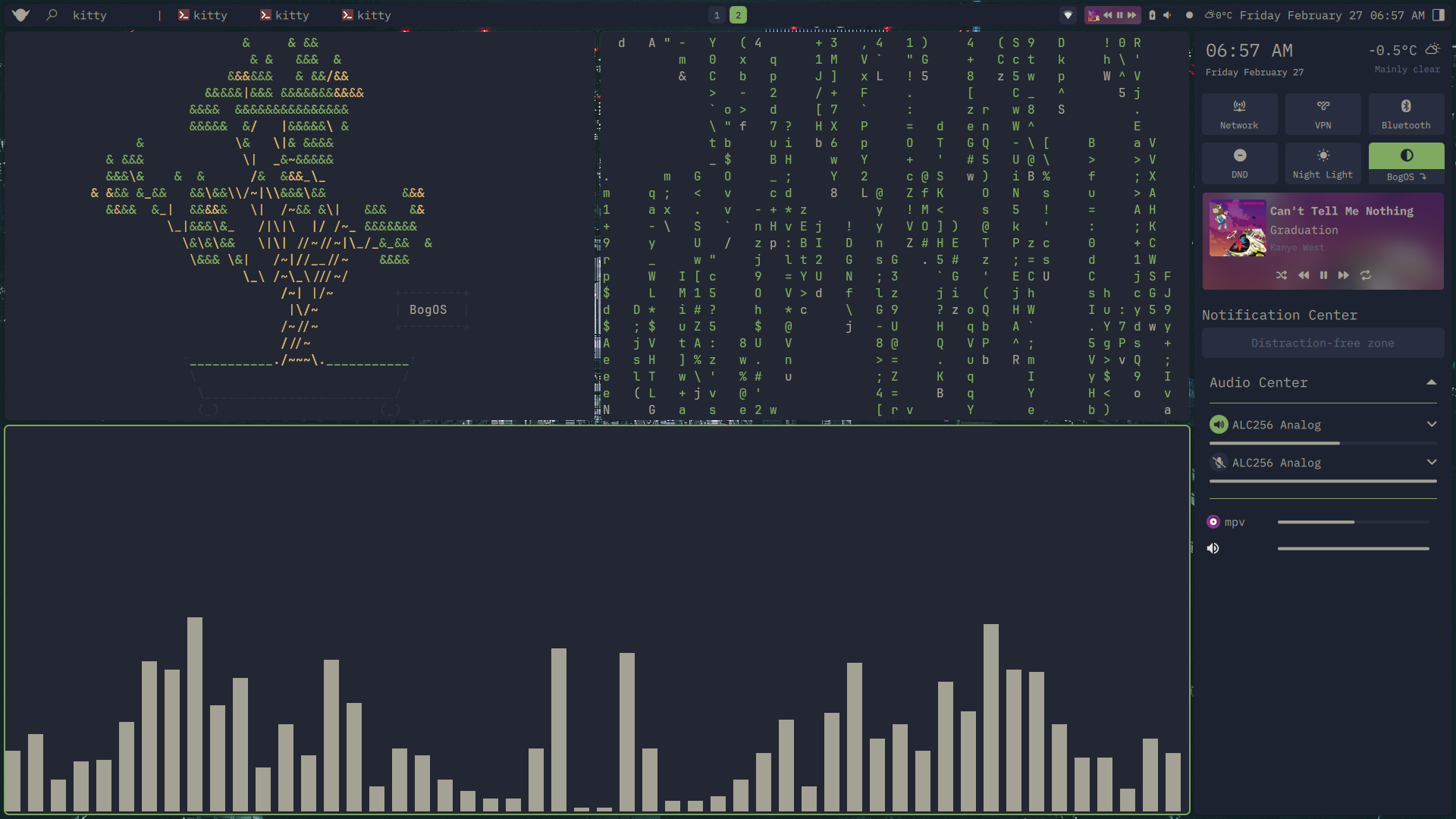
I was able to implement two versions of the audio controller and media controller, one for the system bar, and one for the control Panel. I also created the system tray, a notification center, and even a built-in application launcher.
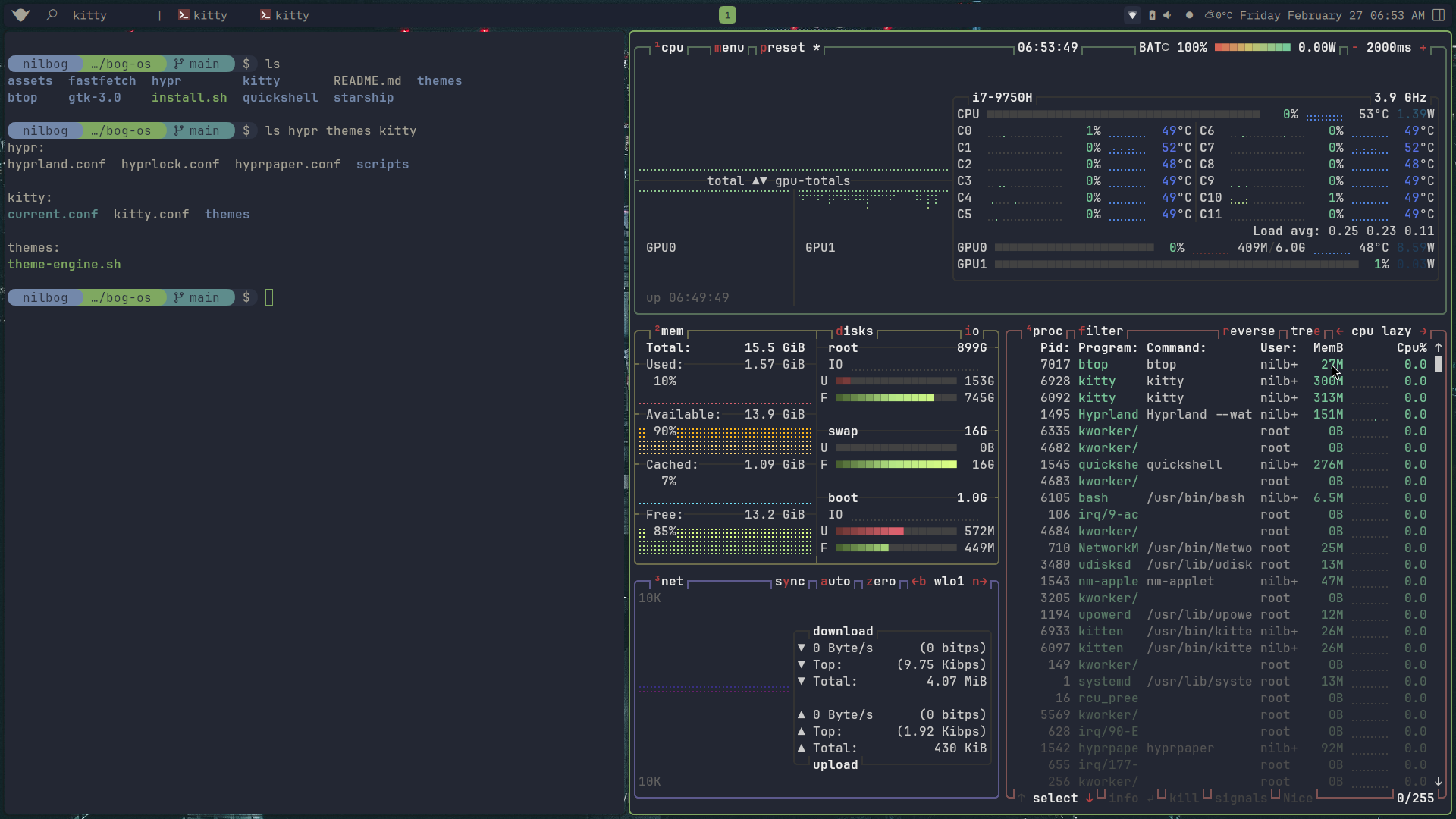
Once I had the core elements working, I used Gemini to take my small selection of colors and generate an entire colorscheme. I started integrating the colors into my shell, while utilizing a Colors singleton, which allowed me to port popular themes such as Cattpuccin, Nord, and TokyoNight. I finished it off with a theme selector in the control panel and a shell script to handle Kitty terminal.
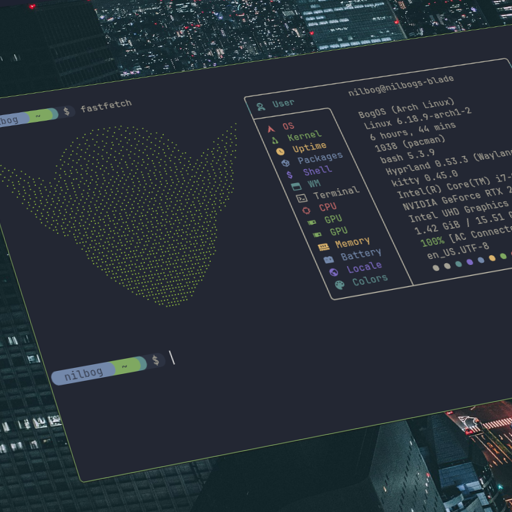
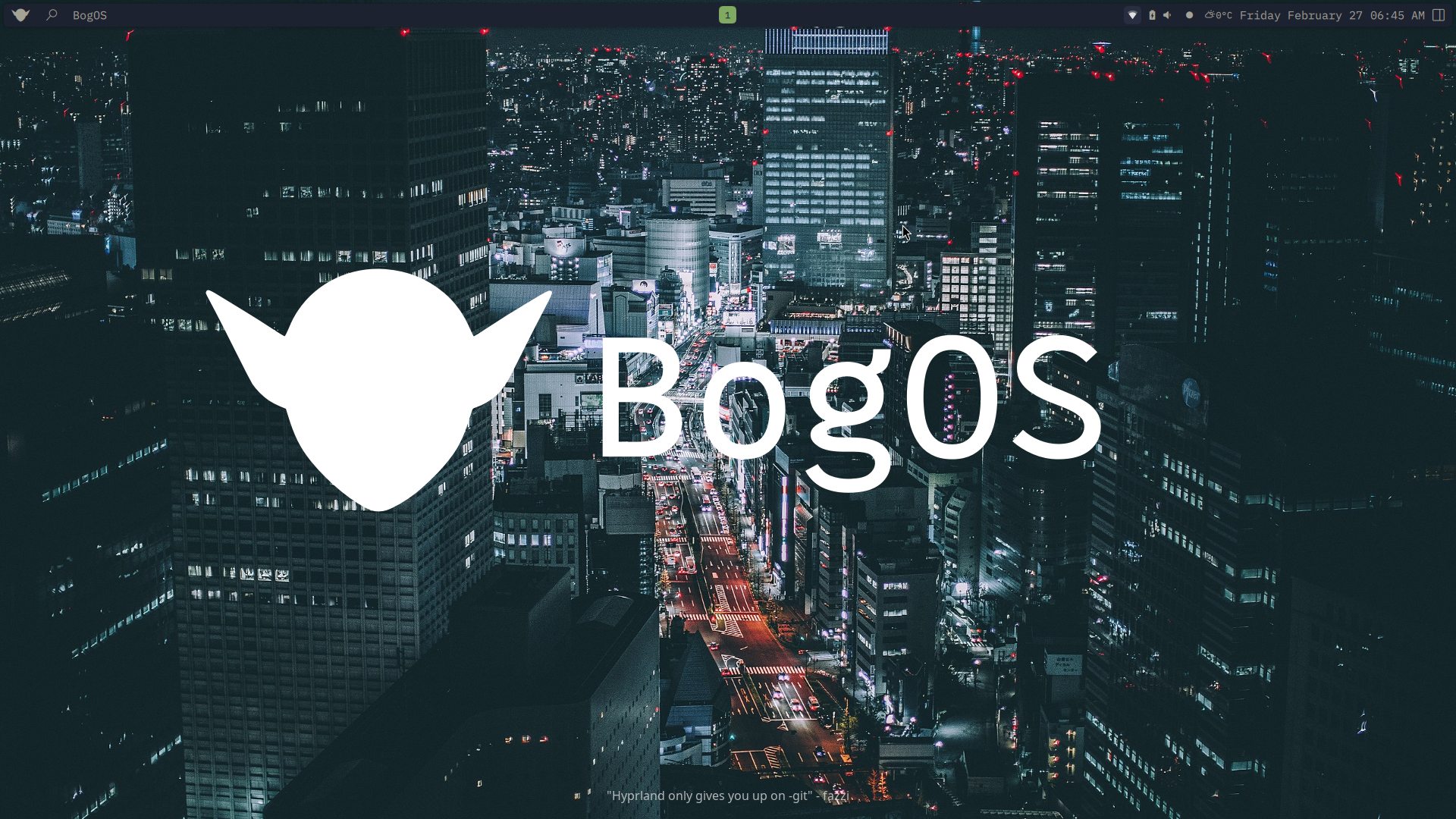
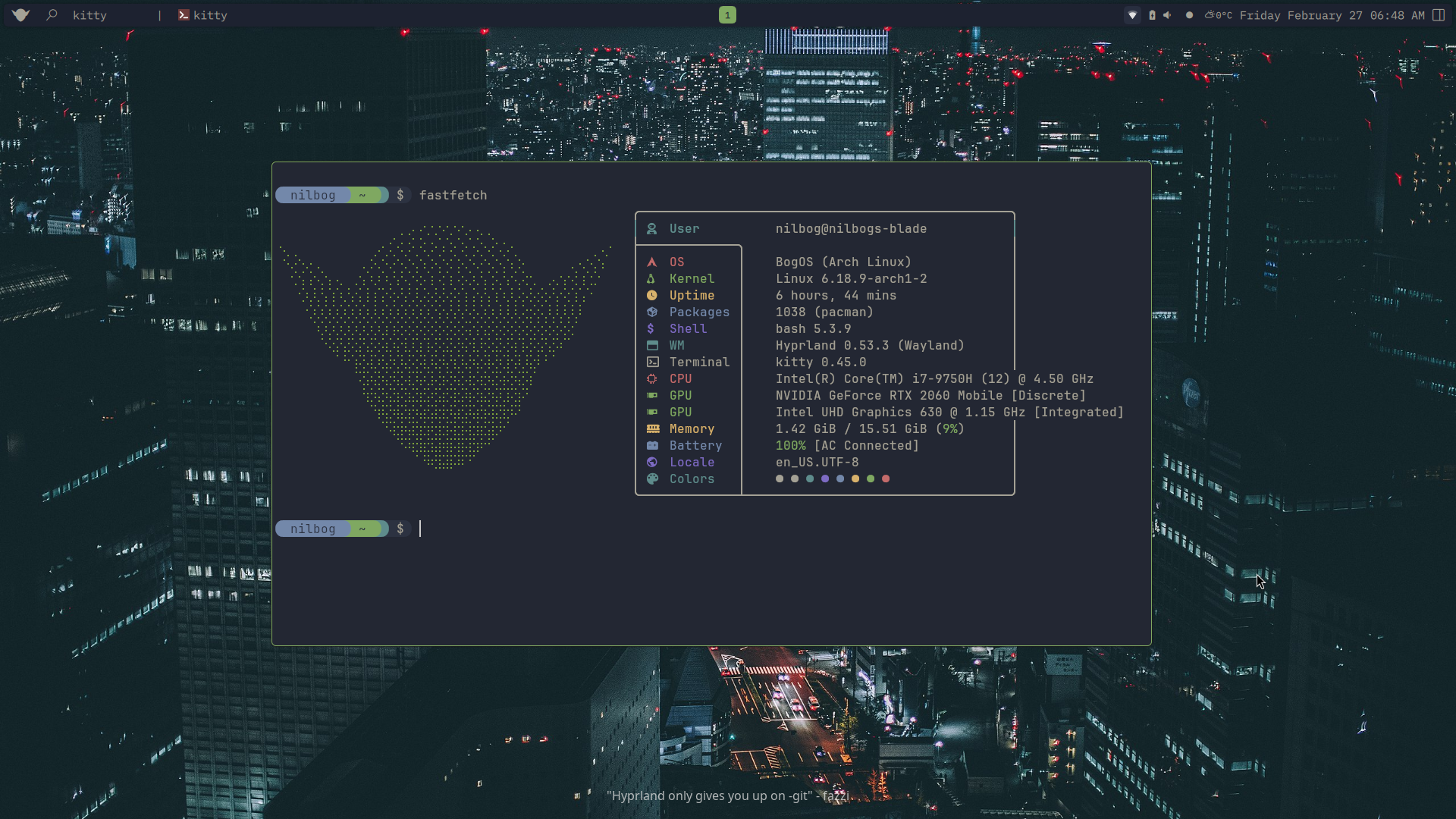
With this, I had completed my first shell, and named my system: BogOS
Who Has Time for This?
I found the process quite enjoyable. Quickshell was a pleasure to learn and is a project that continues to grow and evolve every day. During this journey, I was able to gain a deeper insight to the inner workings of an OS, including daemons, sockets, and the Wayland communication protocol. I also have a deeper appreciation for the amount of effort that it takes to make a unified, visually cohesive system.
This brings us to the main question. Should everyone customize their own operating system? Unfortunately, I can’t recommend this to everyone. First of all, this takes a lot of patience and resilience. It took months of battling with layouts and using console.log debugging to get BogOS to a state I was happy with. Even now I occasionally squash bugs and make minor improvements to the functionality or the UI. It is an ever-evolving project, and not everyone cares enough to go through this, especially when there are fully-fledged operating systems out there, and beautiful configurations ready to install with a script.
If you do decide to rice your own system, you must be willing to learn and experiment with a new technology, you must have the time and patience to navigate the iterative cycles a project like this entails, and you must have the motivation and satisfaction towards building something that is tailored specifically to your needs.
Conclusion
Right now I have a custom-built operating system, BogOS, that I use every day, for work, school, and projects. I stream, watch anime, listen to music, and draw with my display tablet all on that system. It is made completely for me and my workflow. There are no unnecessary features, no bloat, no advertisements asking me to pay $15.99 a month for a fancy word processor. I have full control over my system, from the pixels on my monitor to the keybindings I use to traverse the system.